
Build the layout people recognise
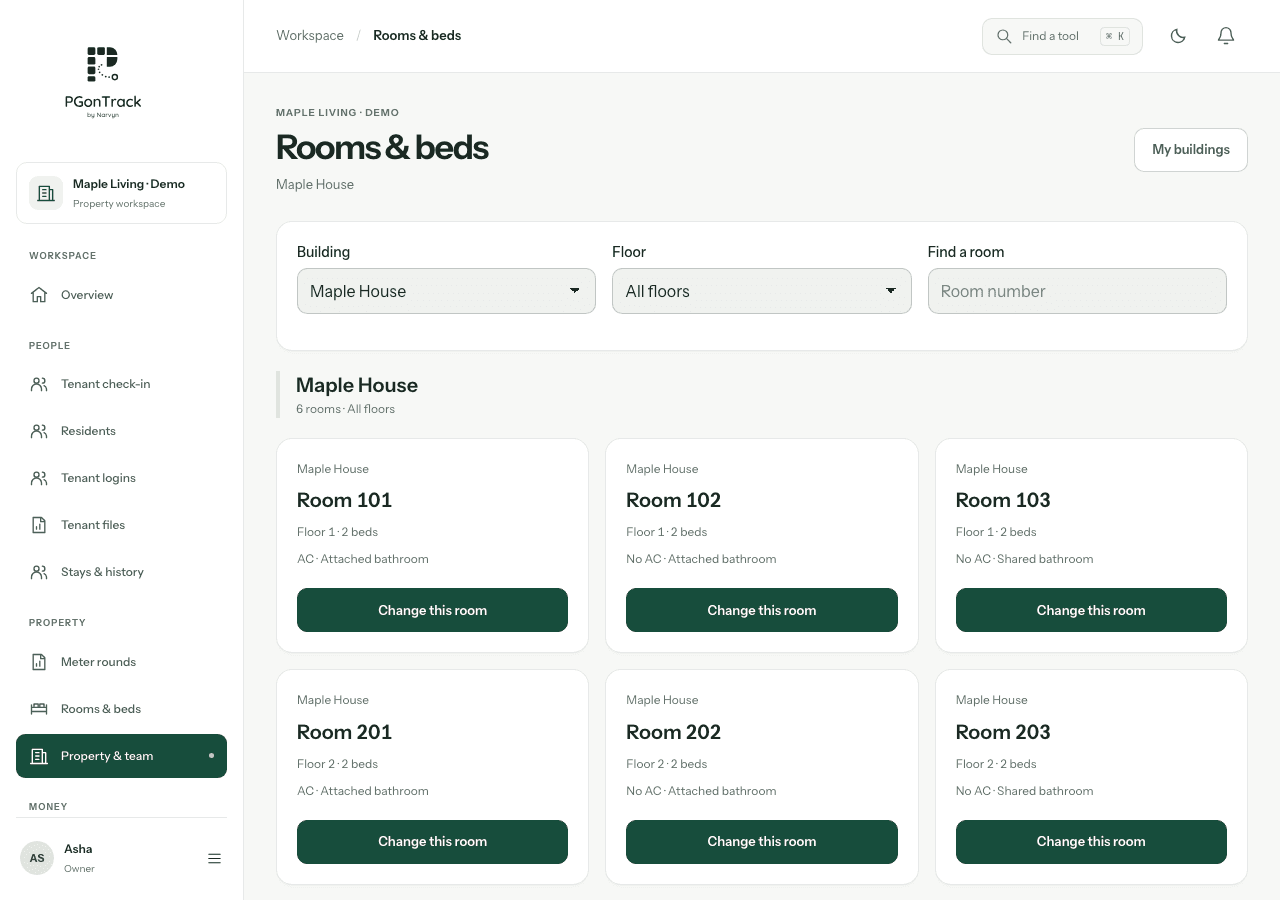
Use the same building and room names your team sees on the doors. Add floors and rooms, then set bed details in bulk where the layout repeats. A clear naming system makes the room board easier to use during enquiries, check-in and everyday maintenance.
- Separate buildings before adding their floors and rooms.
- Use distinct room labels within each building.
- Review bed capacity rather than assuming every room has the same number.
Connect occupancy to the resident record
An available bed and an occupied bed have different operational meanings. Keep the resident’s current assignment accurate, particularly when someone transfers rooms or leaves. Before reassigning a bed, review the existing occupant and the relevant dates in the actual workflow.
- Check availability before promising a bed to a prospect.
- Review the resident record when occupancy looks unexpected.
- Update assignments through the supported move or check-out workflow.
Evaluate your unusual rooms
A useful demo should include a single room, a shared room and an unavailable bed. Ask how your team should record a room temporarily out of service, a resident moving buildings and a change in capacity. Agree the configuration before importing a full property.
- Bring your real building and room list.
- Test a room transfer and the resulting occupancy.
- Compare the board with the physical property before go-live.
Questions, answered
Can one workspace include multiple buildings?
Yes. PGonTrack supports buildings, floors, rooms and beds, with building filters.
Can I set up repeated room details together?
Yes. Bed details can be set in bulk and individual details adjusted later.
Does the software measure rooms automatically?
No. Your team supplies and maintains the property and bed records.