
Record the cost where it belongs
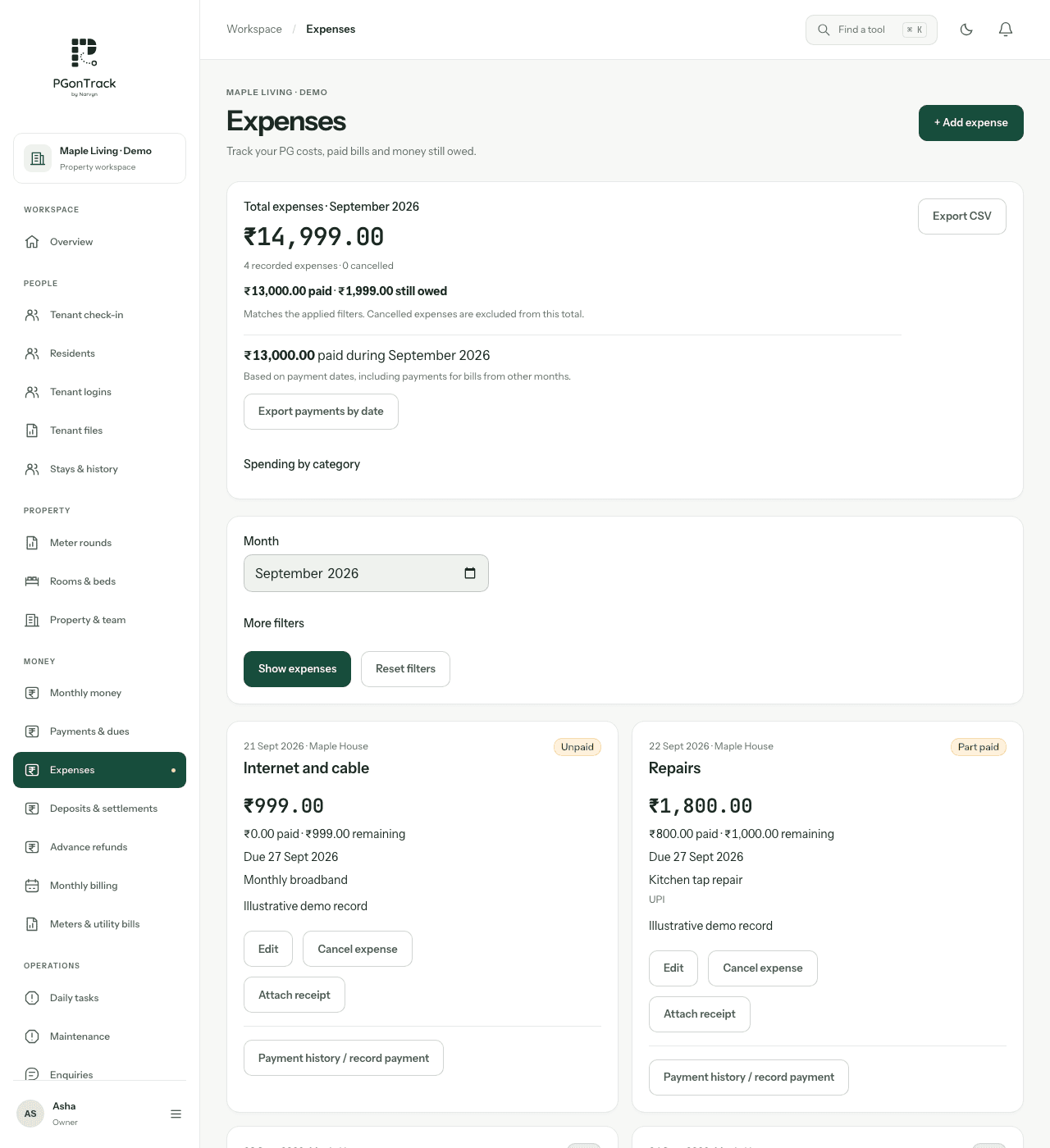
Identify the purpose and property context before recording an expense. Keep supplier references or supporting records according to your business process. Review dates and amounts carefully so the monthly picture reflects what actually happened.
- Separate repairs, supplies and other operating costs clearly.
- Check the relevant building or property context.
- Record actual amounts and dates rather than estimates as paid costs.
Compare like-for-like periods
Rent due, rent received and expenses are different measures. When reviewing a month, use a consistent period and check whether you are looking at charges or received payments. An occupancy increase alone does not show how much cash is available.
- Review outstanding rent separately from money received.
- Compare expenses for the same period.
- Reconcile records against bank statements and cash records.
Define who records and who reviews
Agree which staff can enter costs and who checks them. Ask for a demo using a routine purchase and an unexpected repair. Confirm your reporting requirements with Narvyn before treating any operational summary as a final accounting report.
- Use individual staff accounts.
- Review corrections rather than duplicating an expense.
- Agree reporting and export requirements during onboarding.
Questions, answered
Is PGonTrack accounting or tax-filing software?
It provides PG operational records, including expenses. Confirm accounting and tax requirements separately with your adviser.
Can I manage rent and expenses in one workspace?
Yes. Rent records and expense management are part of PGonTrack.
Does recording an expense send money to a supplier?
No. Record the transaction through the supported workflow; payment settlement uses your existing method.